
WyntIQ access
Evaluate offline-first logistics in your own environment.
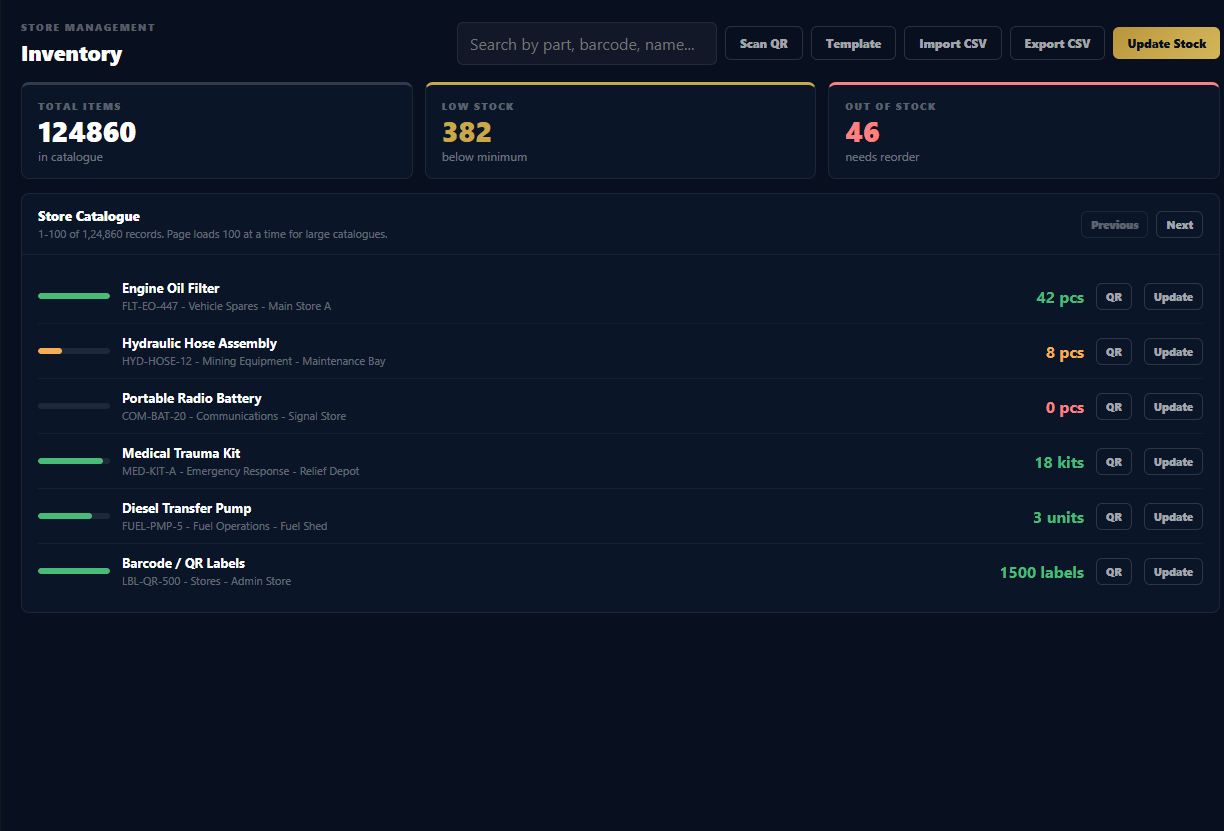
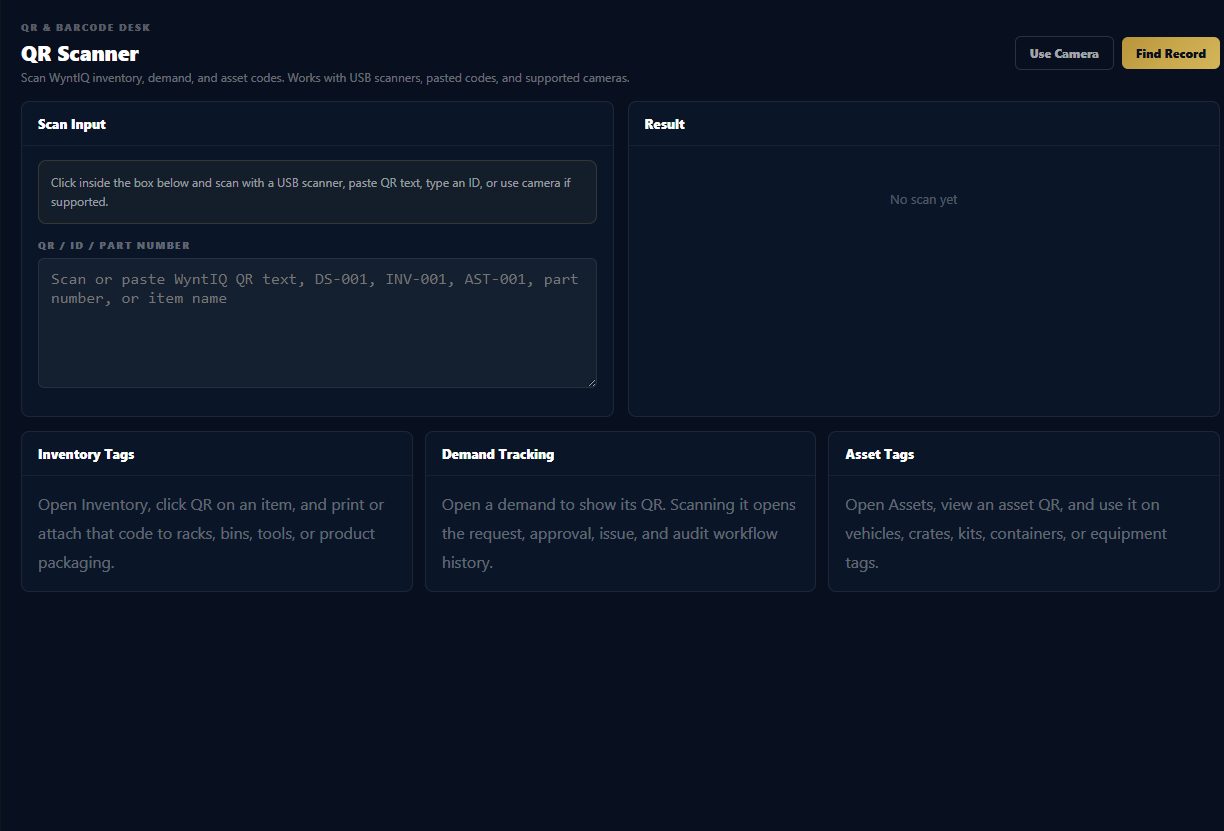
Test WyntIQ with inventory, QR tracking, demand approvals, asset movement, audit trails, reports, and offline-ready workflows before discussing purchase.
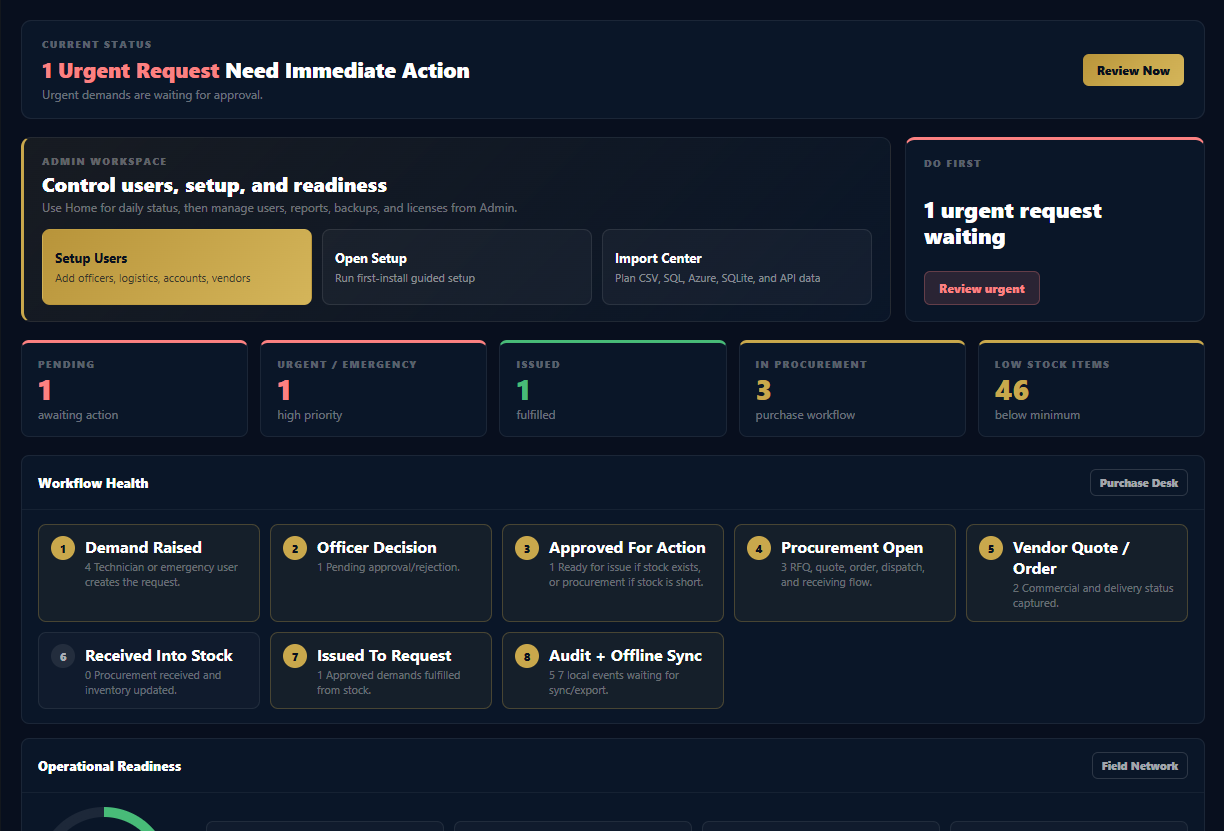
14-day evaluationInstall WyntIQ and start testing. No demo code is needed for the normal trial.
Demo dataset readyReview inventory, demands, approvals, reports, scanner, and audit screens quickly.
Offline workflow checkSee how local-first work behaves when connectivity is not dependable.
Paid activation laterAfter purchase, WyntIQ can issue an online or offline activation code for the customer machine.
1. Submit your name and email.
2. Receive the Windows trial download link.
3. Install WyntIQ and create the first local Admin account.
4. Your 14-day trial starts automatically. Purchase activation is only needed after trial or approved conversion.
Before you install
- Use a Windows 10 or Windows 11 computer for the current trial build.
- No external database is required for the trial; WyntIQ runs with its local SQLite database.
- Internet is only needed to download the installer, receive email, or request activation. Daily testing can run offline.
- Start by creating the first Admin, then add users, inventory, QR records, and the first request.
Download 14-Day Trial
Use a real email address so the trial link reaches you. After installation, WyntIQ starts a 14-day local trial automatically. Test and disposable emails are blocked.
Request received. Check your email for the access links.
Your request was accepted. We also emailed the link to you.
Open Download Link
Installer trust note: WyntIQ is currently distributed as an early Windows trial build. The installer may show an Unknown Publisher or SmartScreen warning until commercial code signing is added. Download only from the official WyntIQ link and verify the file hash if required.
SHA-256 latest: 716561d8a0102703a8bfc5f79a683d60ce269665991fc23830b85e2b7e24d8b7
Activation emails can come from contact@wyntiq.com once configured in the mail provider.