WyntIQ helps industrial and enterprise teams turn inventory, assets, demands, approvals, QR scans, audit trails, KPI dashboards, reports, and operational data into actionable intelligence in one Windows-ready platform that keeps working when internet connectivity is weak or unavailable.
WyntIQ turns operational records into dashboards, reports, approvals, alerts, audit trails, AI-assisted insights, and practical decisions while still working locally when cloud access is limited.
WyntIQ connects day-to-day operational actions to management visibility. A request, scan, approval, stock issue, or asset update becomes part of the same searchable audit record and reporting layer.
Users raise demands, scan QR tags, update stock, record asset movement, or import operational data.
Officers, managers, accounts, stores, or admins approve, reject, issue, quote, invoice, and close work.
Dashboards show stock risk, pending approvals, critical items, asset status, sync backlog, and exceptions.
Export operational reports, preserve traceable history, and support reviews without rebuilding spreadsheets.
WyntIQ is not just a data collection layer. It is the intelligence layer that helps managers see stock risk, asset status, approval delays, demand pressure, issue history, operational KPIs, and future AI-assisted insights without waiting for manual spreadsheets.
See inventory health, pending demands, approvals, issue flow, stock risk, assets, and readiness signals in one place.
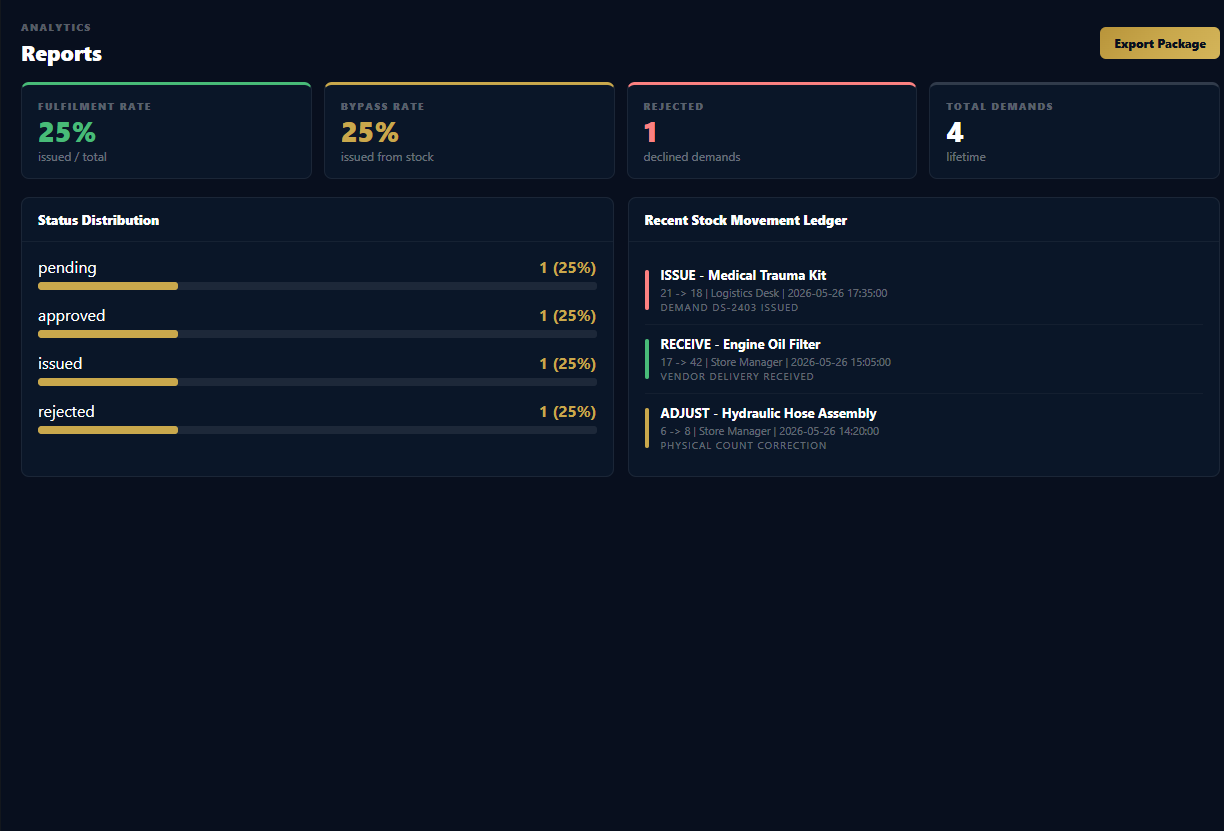
Prepare stock, demand, procurement, asset, accounts, audit, and exception reports for managers and operational review.
Identify repeated shortages, slow approvals, delayed dispatch, high-use items, and bottlenecks before they become bigger problems.
Highlight low stock, critical asset status, pending approvals, stale records, and sync backlog for faster action.
Use QR-first workflows and simplified views for store teams, technicians, officers, and field users.
Connect inventory, operations, accounts, vendors, and industrial data into a practical decision layer above existing systems.
Prepare for natural-language questions, AI-generated summaries, anomaly explanations, and predictive operational signals.
The trial should show practical screens and workflows, not only promises. WyntIQ focuses on operational visibility, controlled actions, reporting, analytics, and offline-ready records that teams can actually use.
Inventory status, demand pressure, issue queues, low-stock alerts, sync health, and readiness signals in one command view.
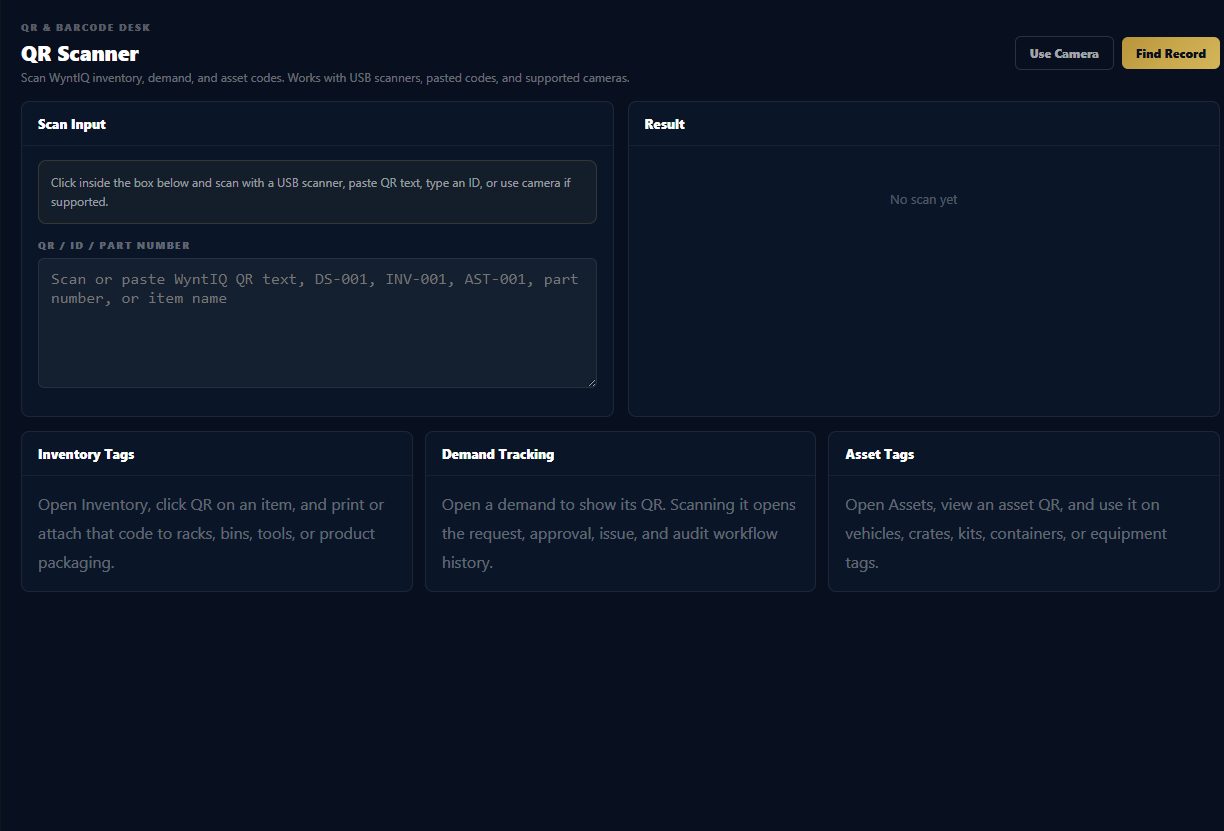
Scan stock, assets, tools, kits, crates, or demands so physical movement stays connected to a digital record.
Generate stock, demand, issue, asset, accounts, audit, exception, and management review reports.
Future workflows can summarize unusual demand spikes, slow approvals, repeated shortages, and predicted stock risk.
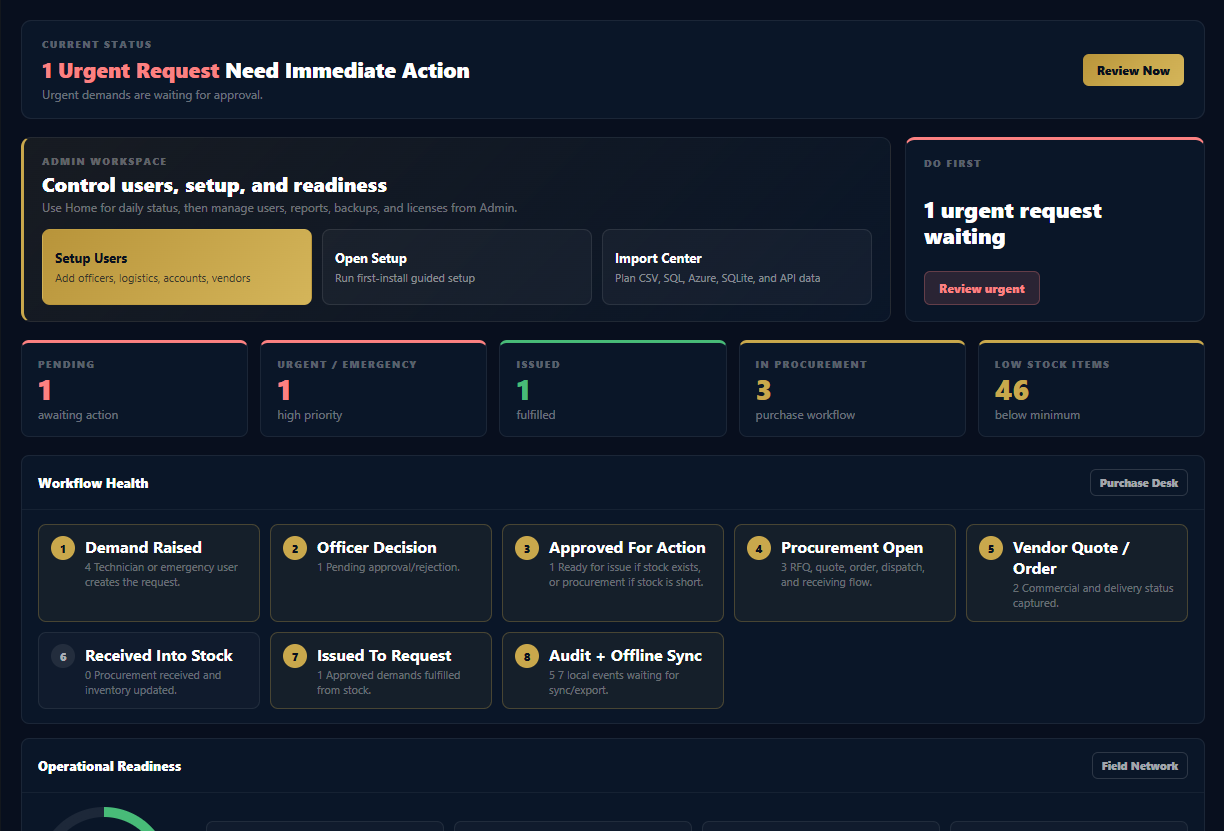
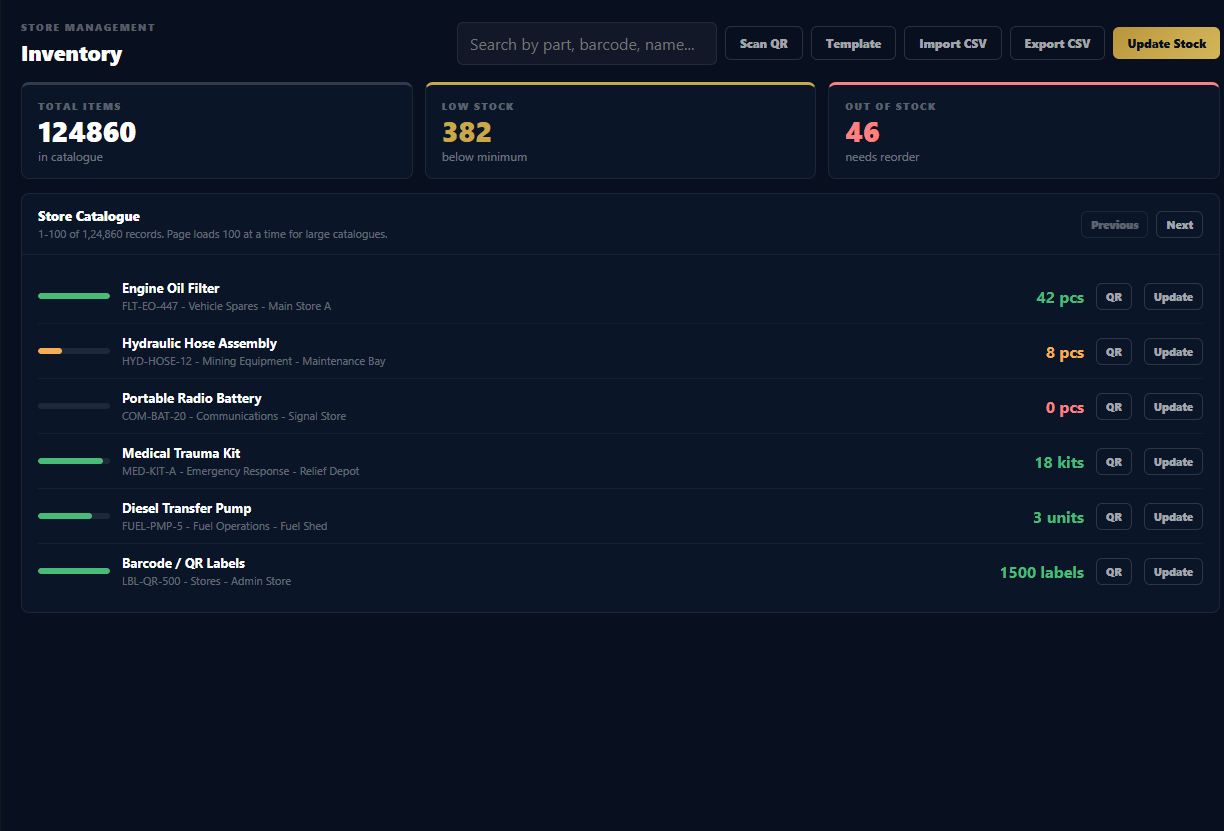
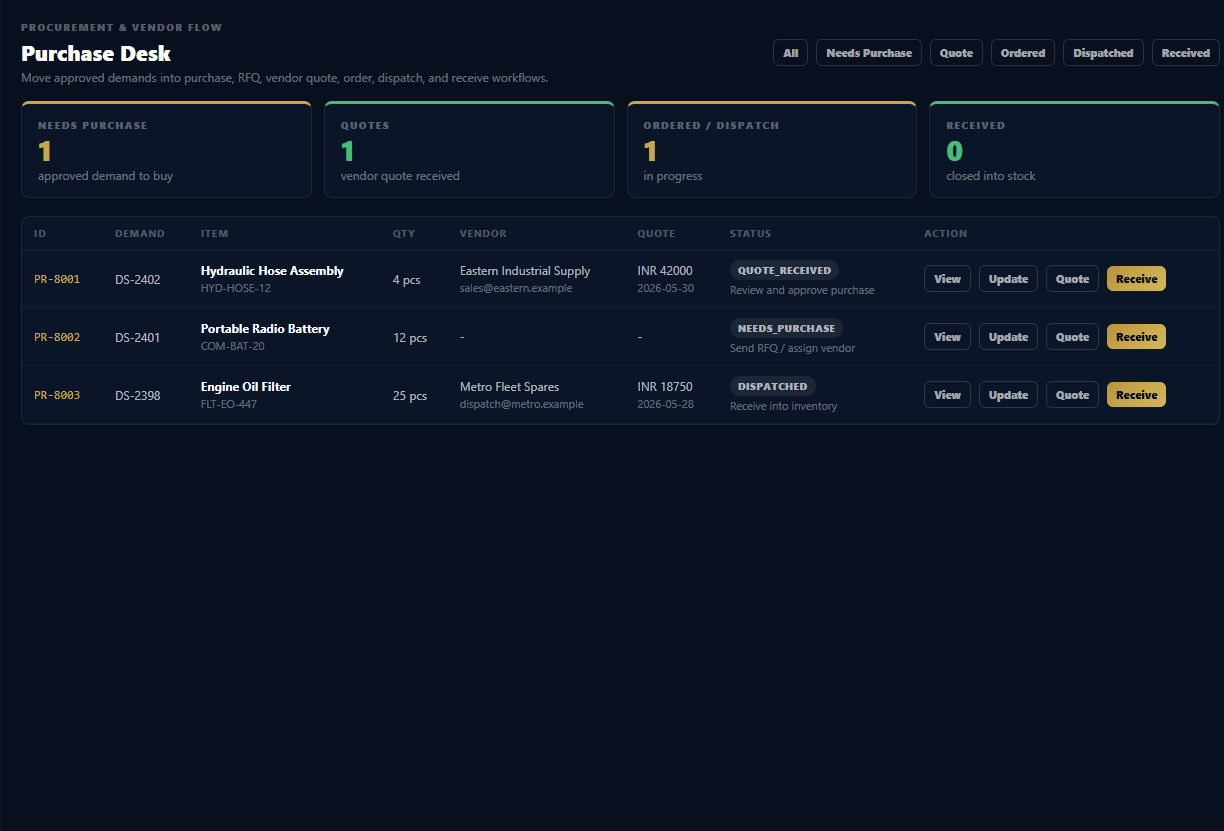
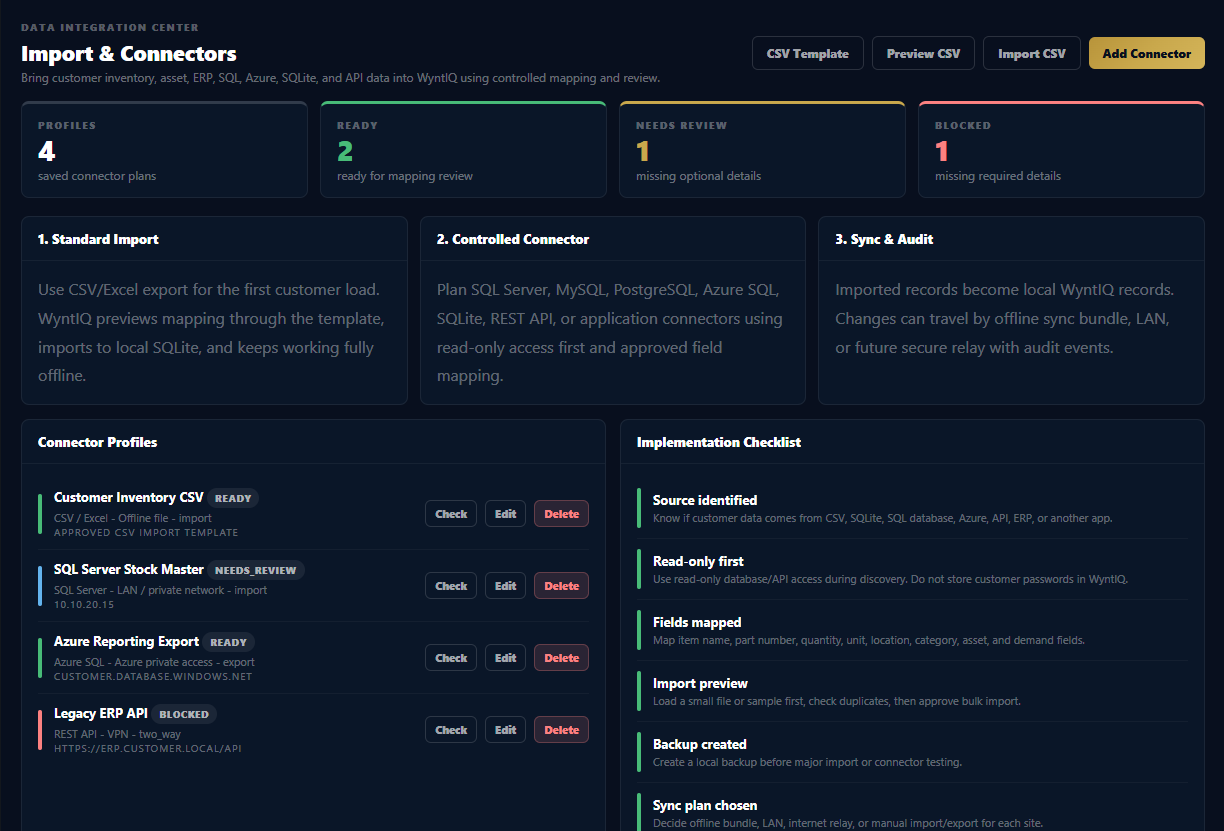
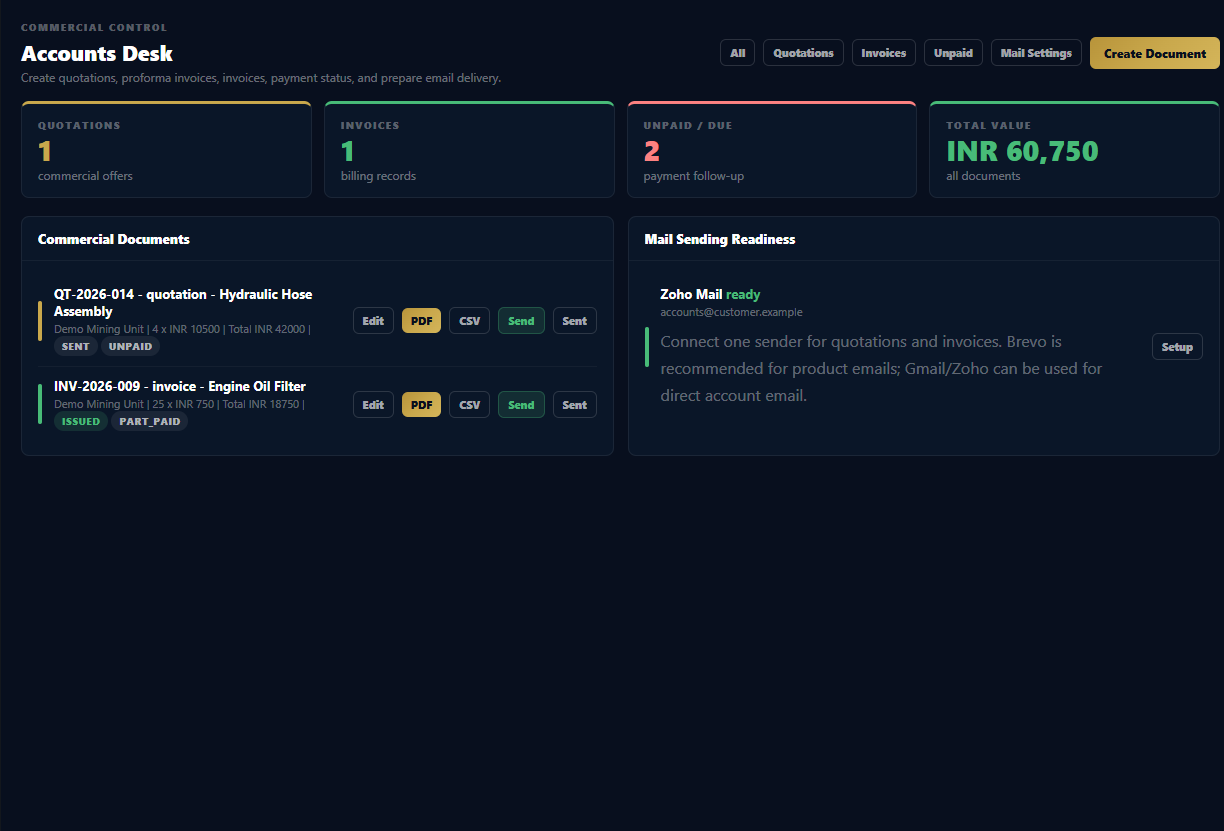
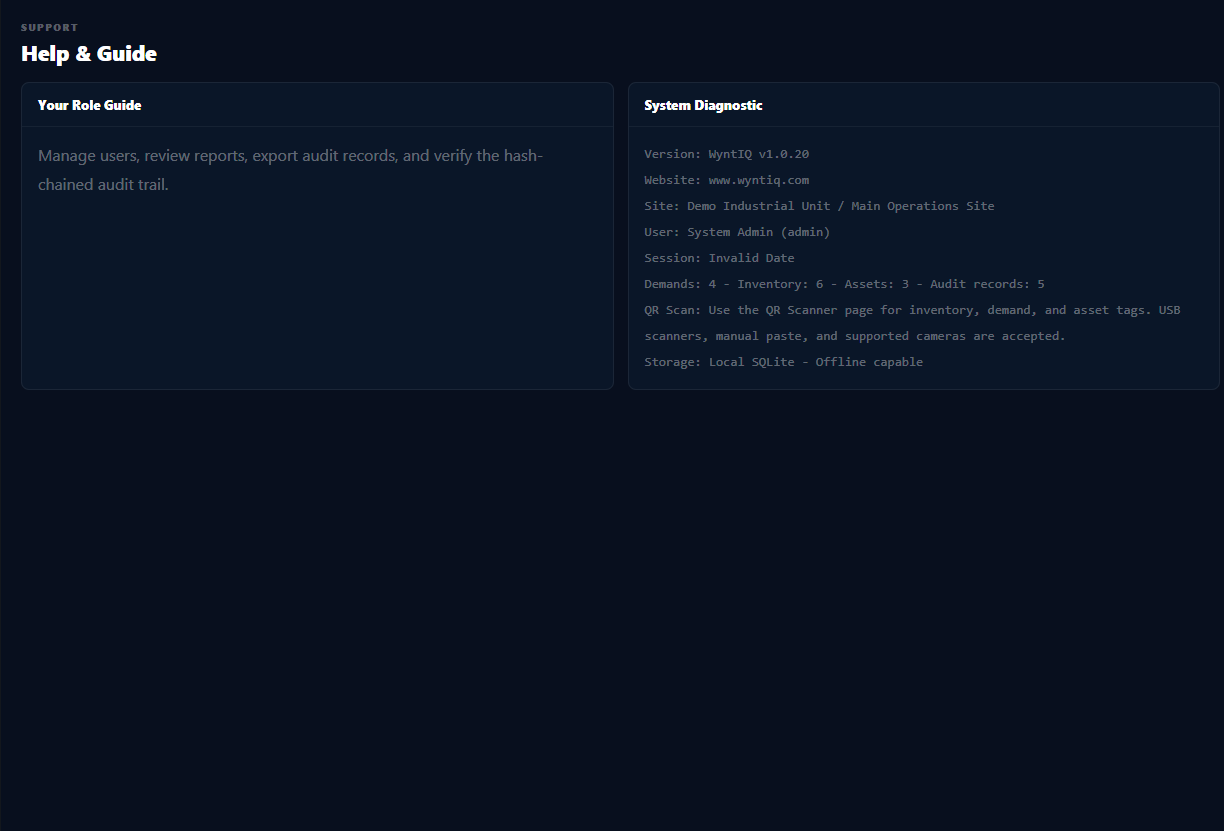
These are real product views from the WyntIQ desktop interface using demo operational data. They show the working areas buyers usually ask about first: dashboard, inventory, integrations, offline sync, and accounts.

Urgent requests, workflow health, readiness score, stock risk, and audit visibility.

Searchable catalogue, stock levels, critical items, CSV import/export, and QR-ready records.

CSV import, SQL planning, connector profiles, mapping checklist, and audit-friendly data onboarding.

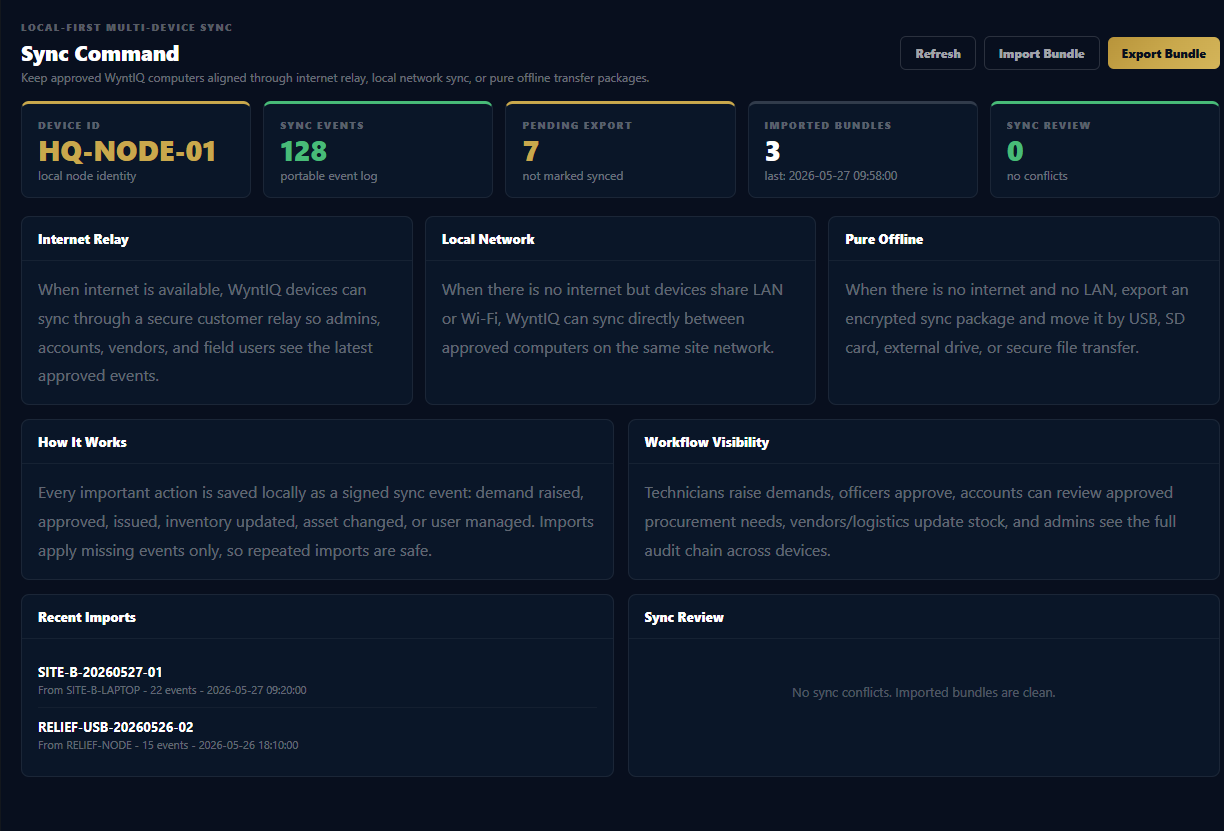
Internet relay, local network, pure offline bundles, and sync review visibility.

Quotations, invoices, payment status, mail readiness, and commercial document workflow.
Start with inventory, assets, dashboards, and demands, then connect QR workflows, maps, reports, audit, readiness, and sync diagnostics around the same operational record.
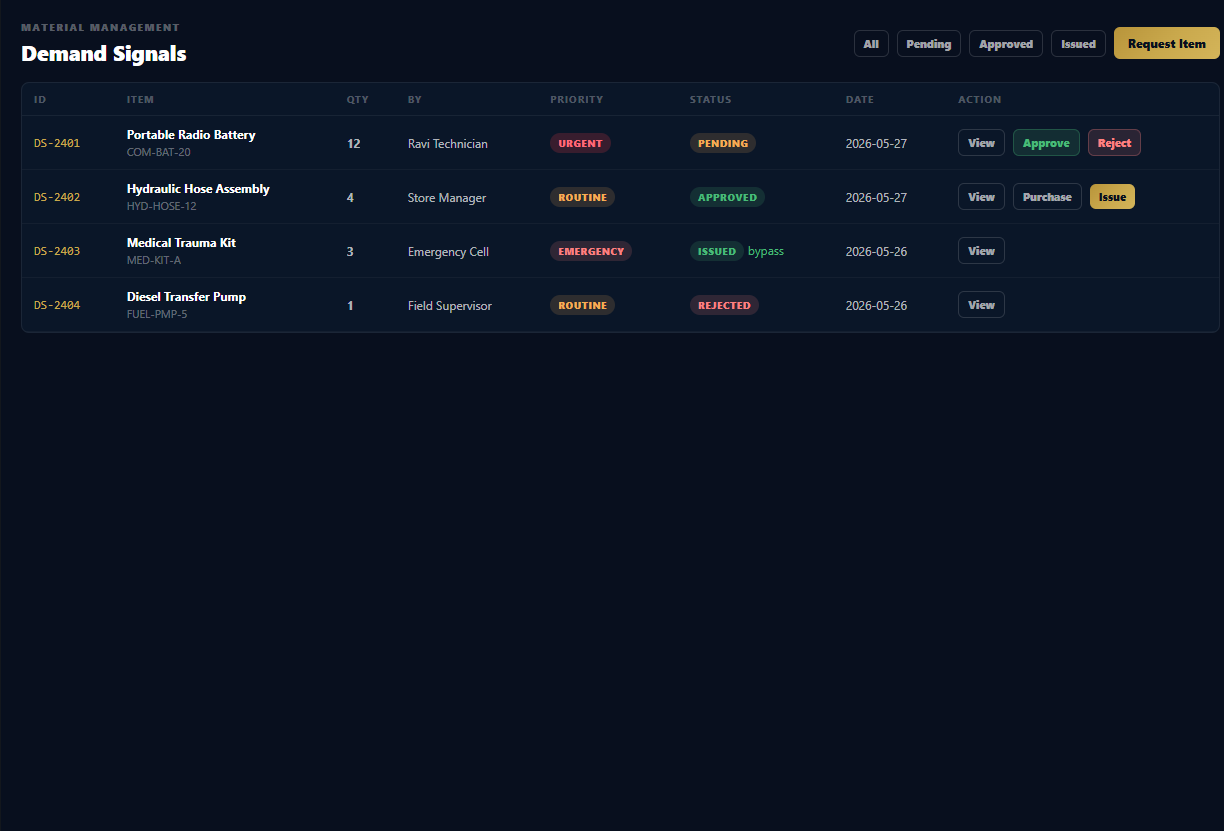
Raise, approve, reject, and issue with real accountability, role control, and smart stock bypass where local inventory already exists.
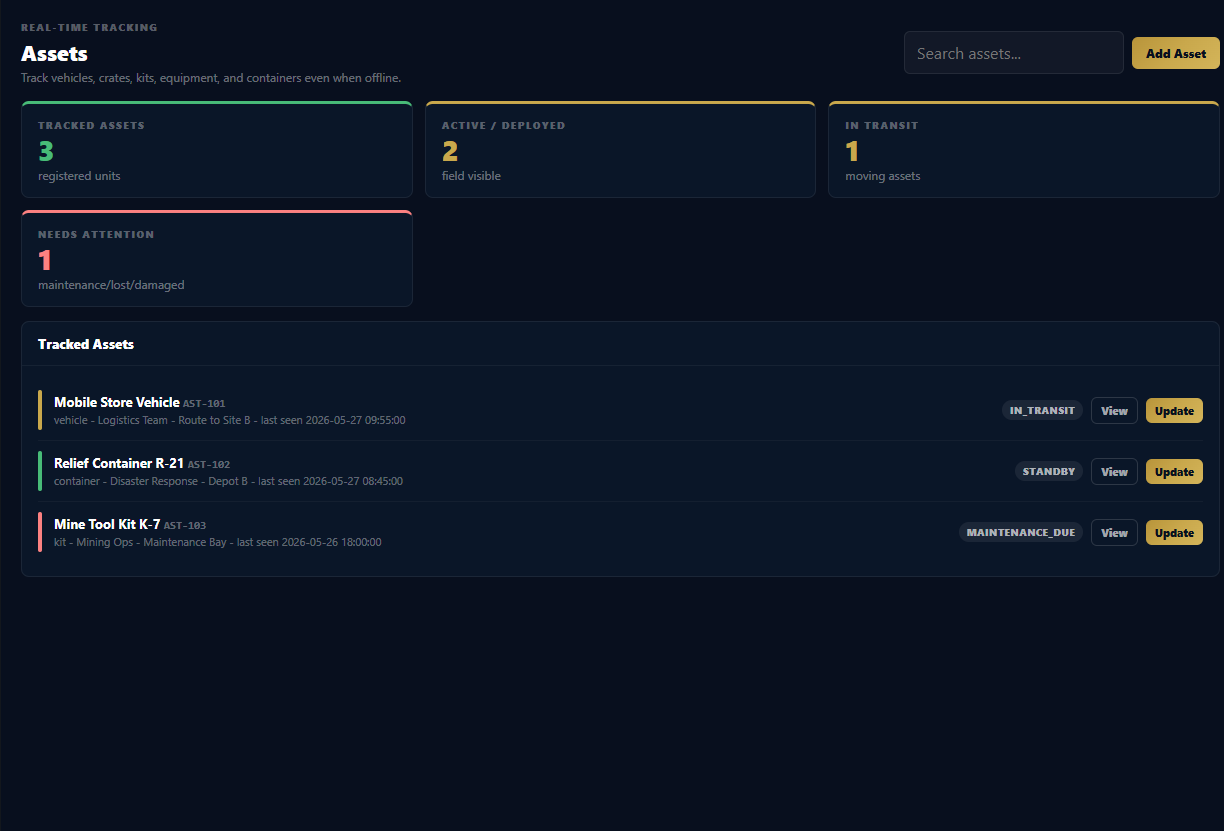
Track vehicles, kits, crates, and critical equipment by status, location, custodian, and last movement without relying on cloud access.
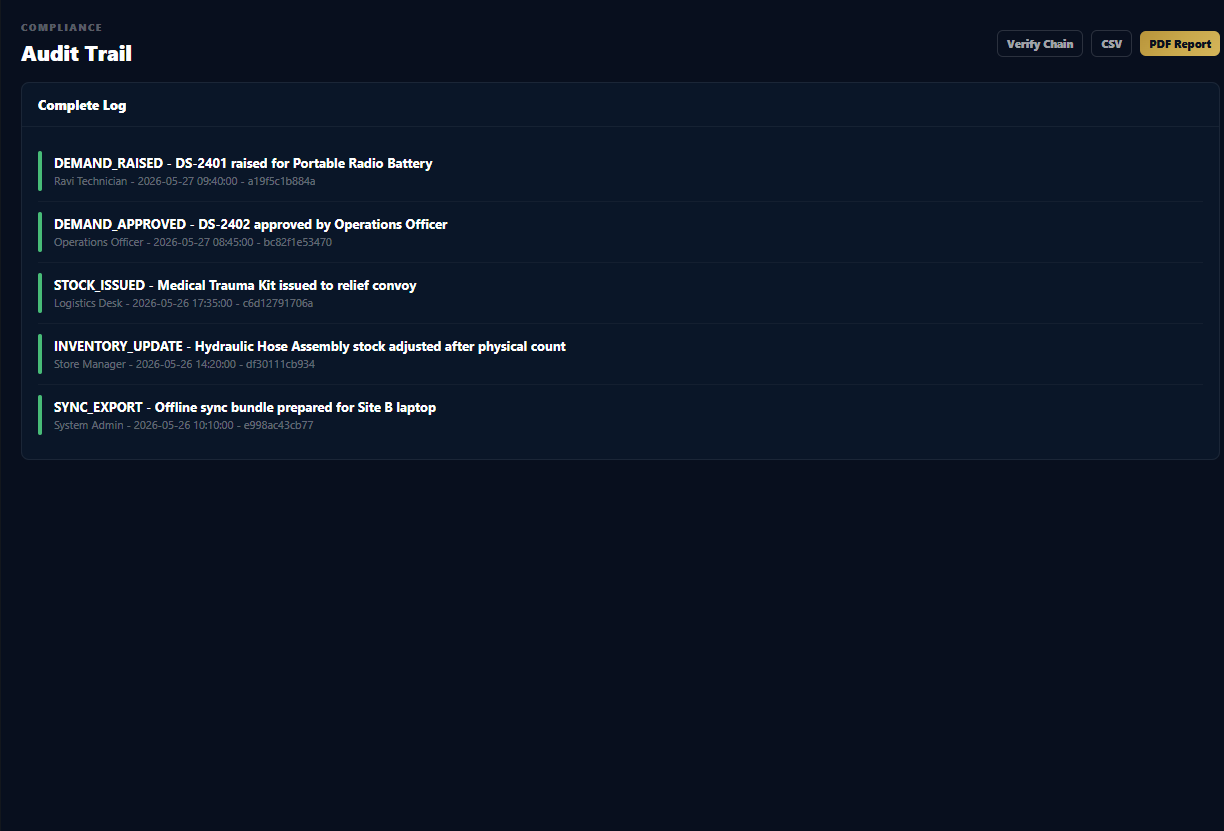
Every meaningful action is linked to identity, role, and time so commanders and operators can trust the record under pressure.
Show operating picture, relay nodes, delivery routes, and asset positions when connectivity exists, while preserving local truth when it does not.
Generate scannable tags for demands and assets so field teams can verify the right item, package, or unit without paperwork friction.
Turn stock health, asset serviceability, demand backlog, and network path status into one picture leaders can act on quickly.
WyntIQ can be positioned for multiple industries because the same core problems repeat: stock visibility, manual reporting, asset accountability, KPI monitoring, alerts, approvals, QR verification, and weak connectivity.

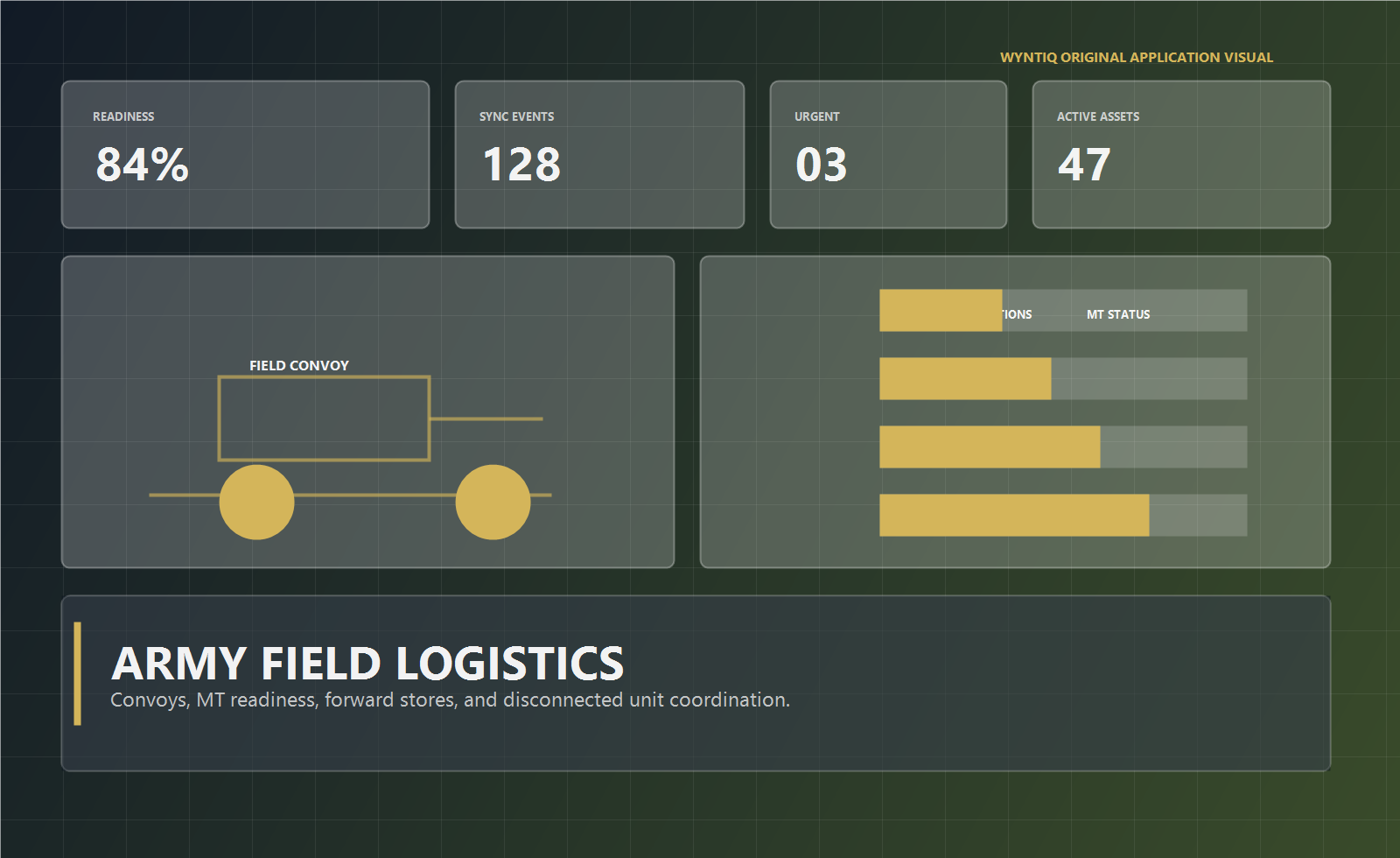
Field supply, MT readiness, convoy visibility, and forward-post operations for disconnected terrain.

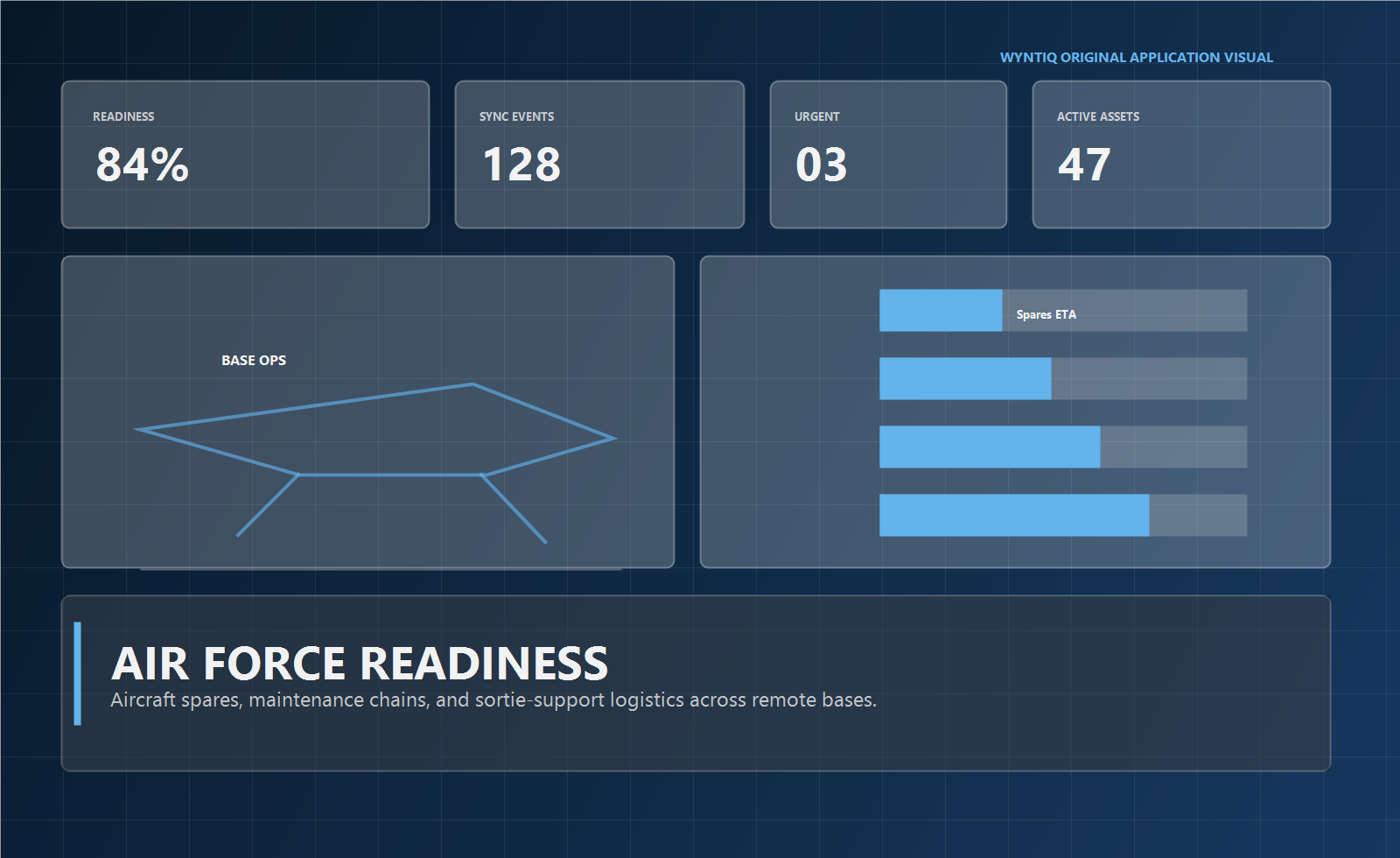
Aircraft spares, maintenance signals, and sortie support across remote and high-tempo bases.

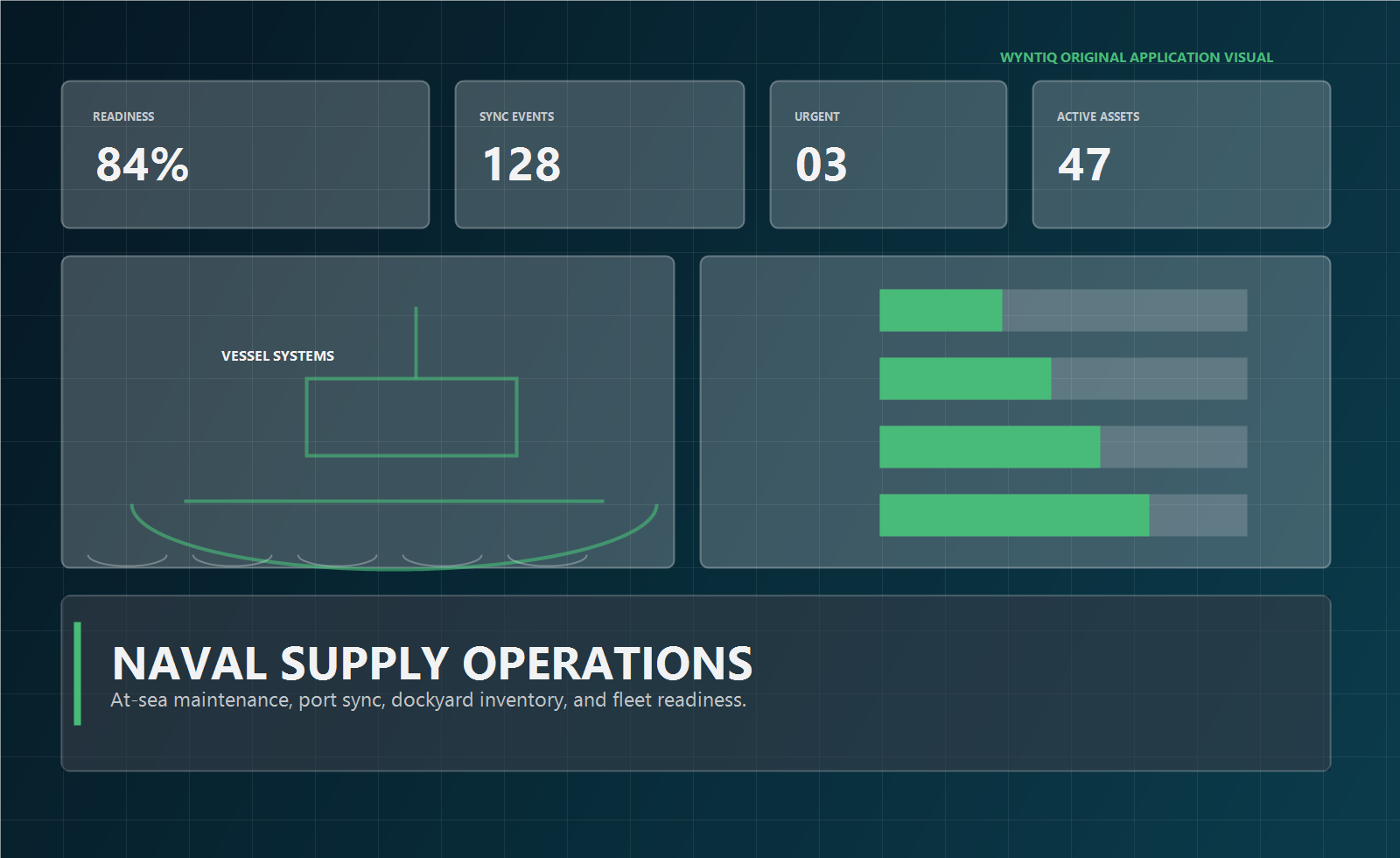
At-sea maintenance, dockyard inventory, and fleet readiness across ports and vessels.

SKU control, dispatch readiness, returns, QR verification, and outage-proof fulfilment visibility.

Receiving, bin movement, dispatch queues, transfers, and stock audit control across depots.

MRO spares, tools, production requests, quality holds, KPI dashboards, and maintenance issue traceability.

Materials, tools, vendor deliveries, site stores, and project approvals with offline records.

Stores, yard assets, vessel support, spares, QR checks, and traceable movement.

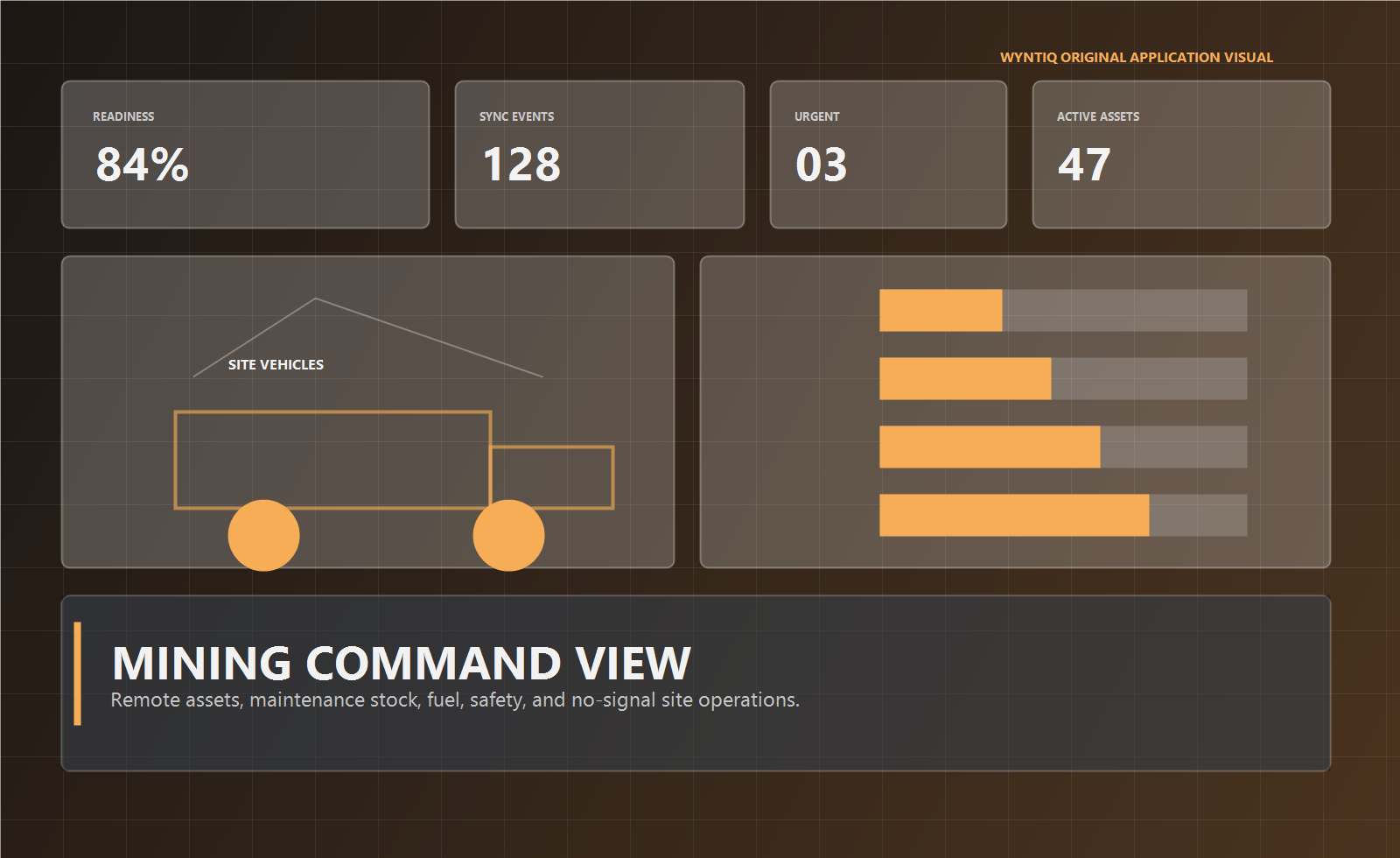
Equipment uptime, fuel, maintenance stock, and no-signal site coordination for harsh operations.

Field crews, transformer assets, spares, outage support, reports, and service readiness across distributed infrastructure.

Pumps, chemicals, maintenance stock, compliance checks, alerts, and operational reporting for treatment facilities.

HVAC assets, alarms, service requests, inventory, QR checks, and dashboard visibility for facility teams.

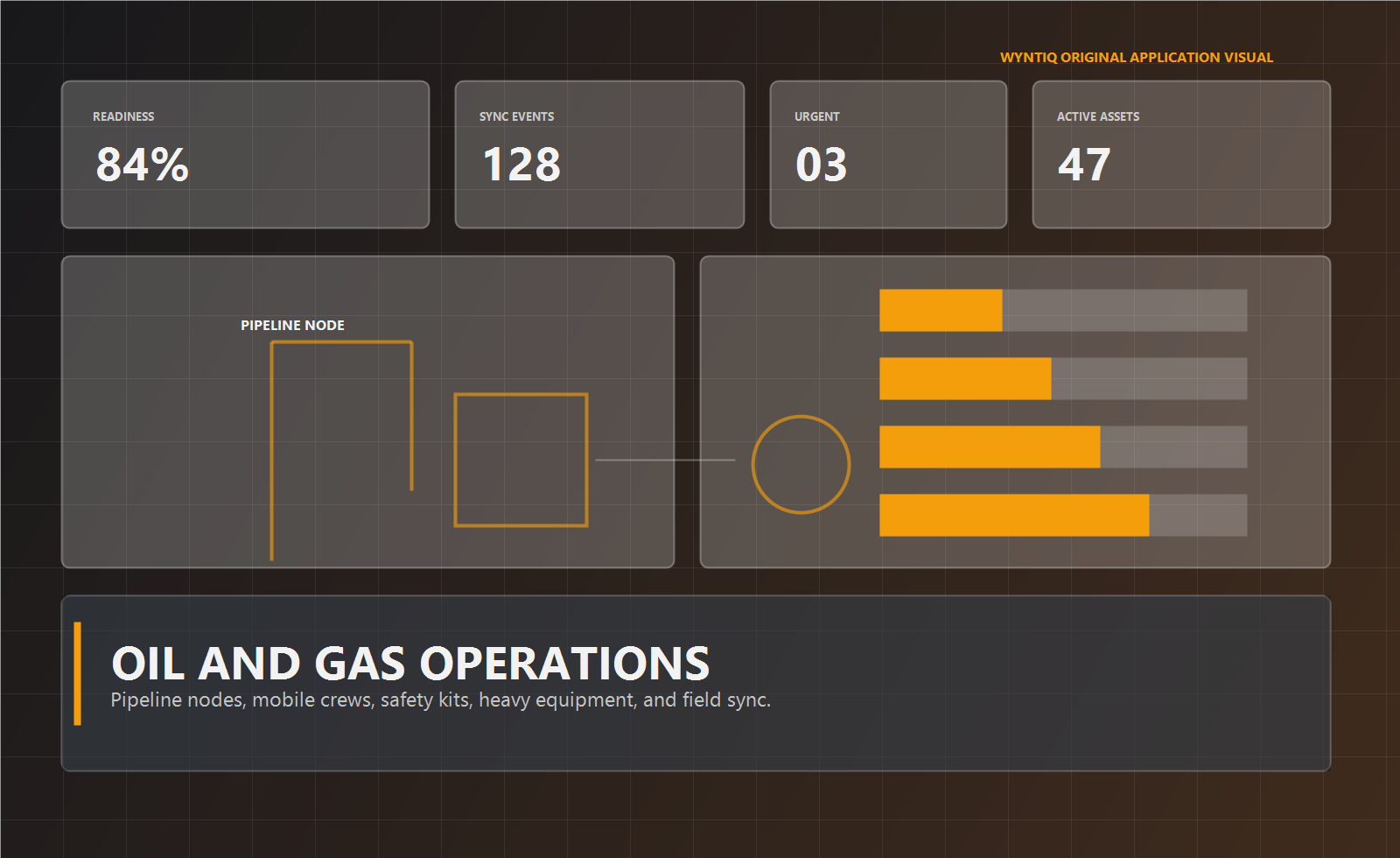
Pipeline nodes, mobile crews, safety kits, KPI reports, and heavy-equipment readiness across spread assets.

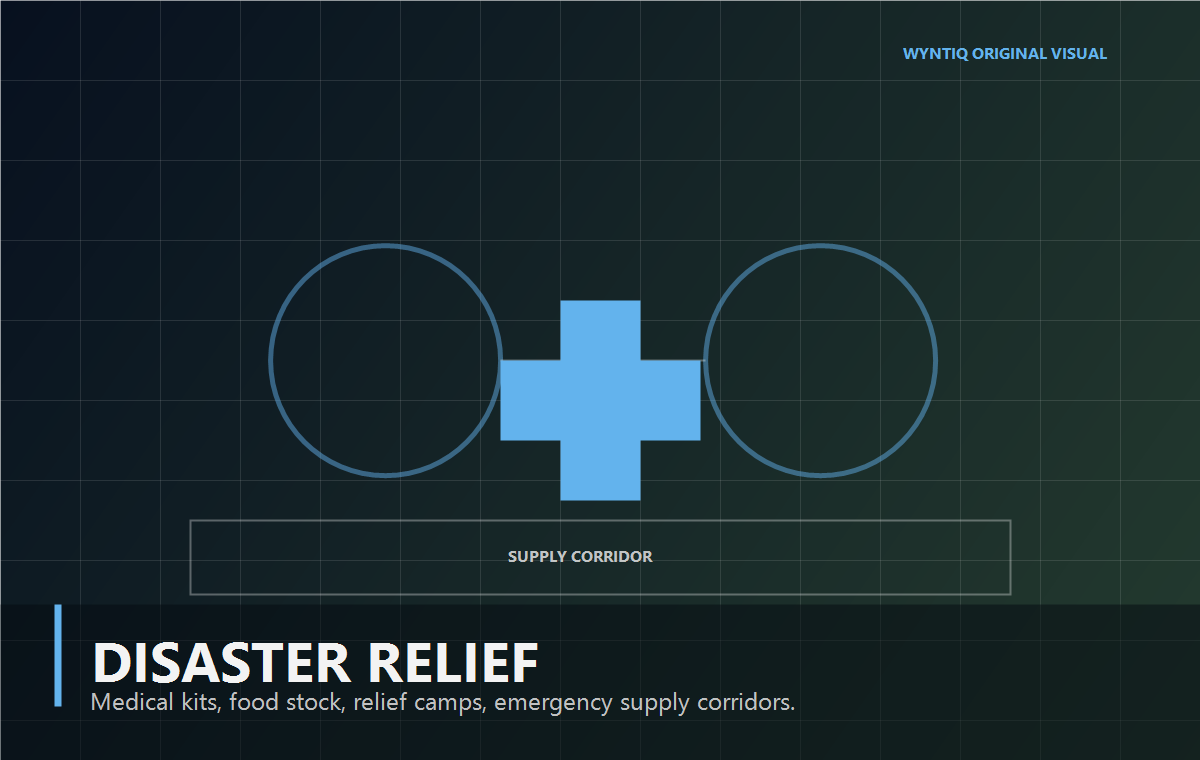
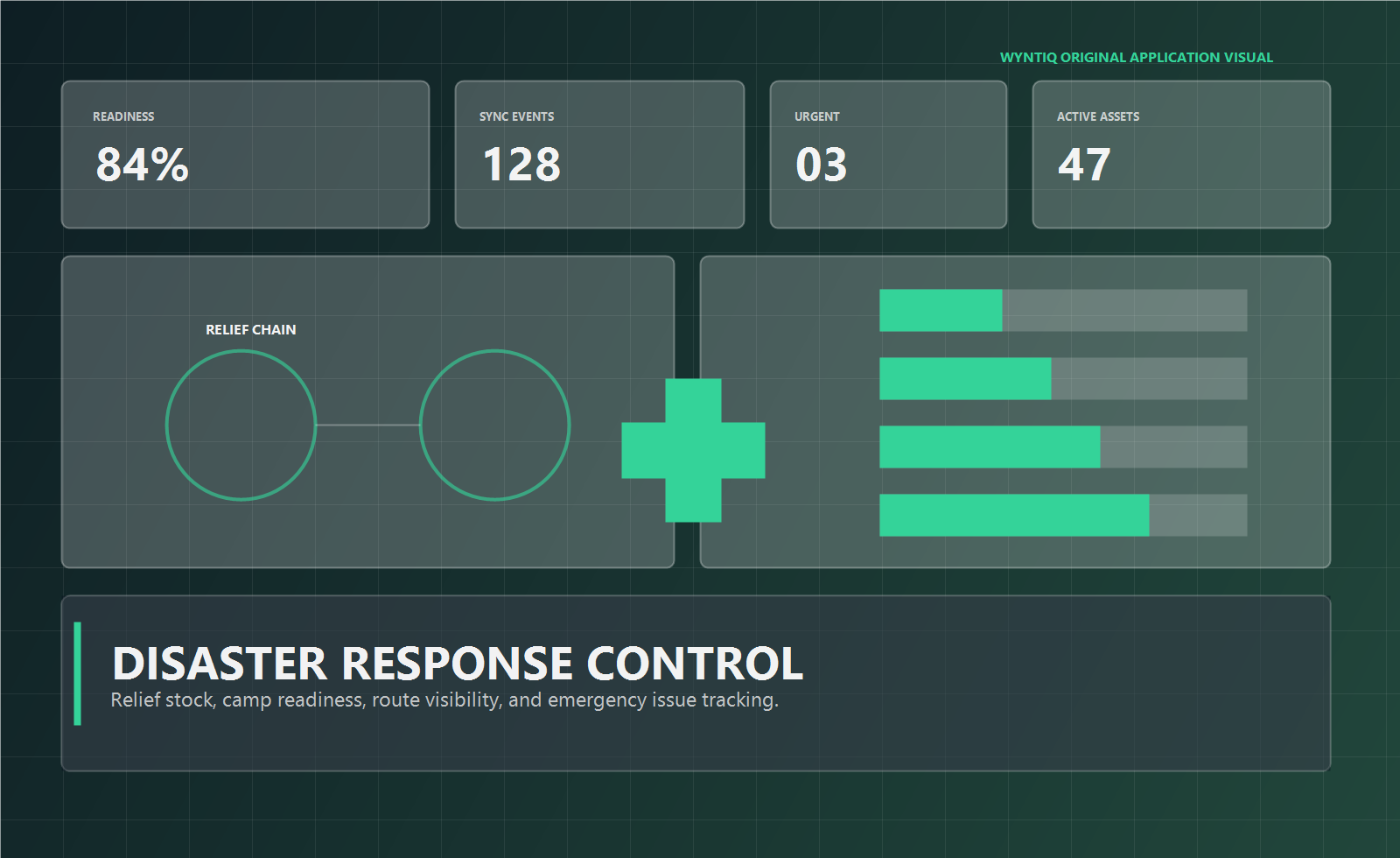
Camp stock, relief routes, emergency issue flows, and field coordination during time-critical events.
Operators can raise demands, approve movement, issue stock, scan QR tags, and preserve audit context without waiting for a perfect network connection.
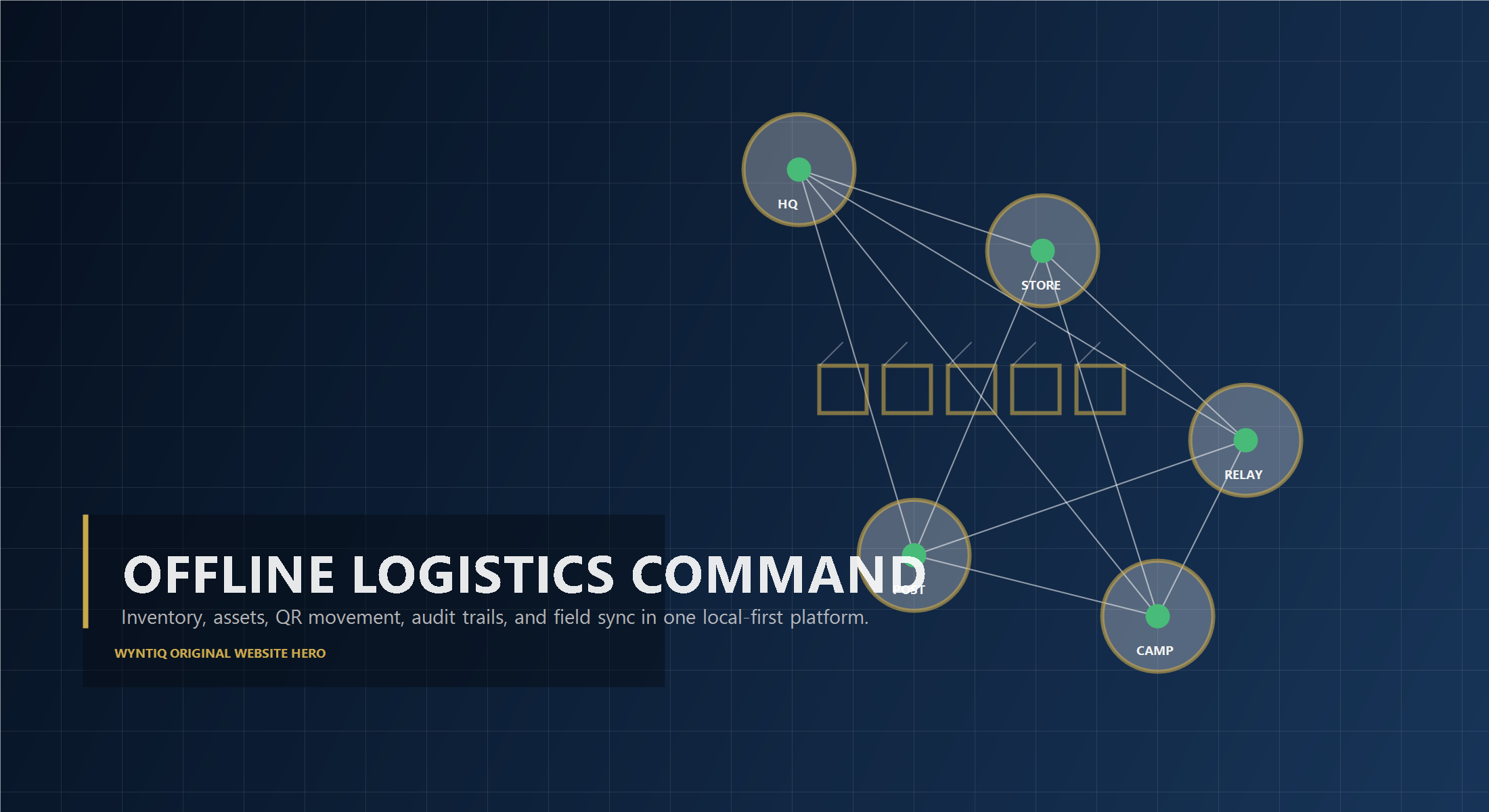
Urgent demands, relay movement, issue queues, and readiness changes appear together so teams see what needs action first.
QR tags, approvals, issues, and asset events stay connected to the same operational record.
Use the same platform structure for defence units, remote industrial sites, and emergency field operations.
These are example outcomes to discuss during evaluation. Actual ROI depends on customer data quality, process discipline, deployment scope, and adoption.
Reduce manual reporting cycles from hours of spreadsheet work to prepared operational reports and dashboards.
Bring inventory, assets, demands, approvals, QR scans, and external data sources into one operational view.
Highlight stock risk, approval delays, repeated shortages, critical items, and sync backlog before they become bigger problems.
Avoid rebuilding dashboards, workflows, audit logic, and offline behaviour from scratch for every site.
Excel is flexible, Power BI is powerful, and custom development can fit exact requirements. WyntIQ is different because it combines operational workflows, offline-first records, QR tracking, audit trails, reporting, dashboards, and industrial integration planning in one product direction.
| Need | Manual spreadsheets | Generic BI tools | WyntIQ |
|---|---|---|---|
| Works without internet | Possible, but fragmented | Usually cloud dependent | Local-first desktop workflow with later sync planning |
| Inventory and demand workflow | Manual updates and follow-up | Usually reporting only | Requests, approvals, issue flow, stock status, and audit trail |
| QR and physical verification | Separate labels or paperwork | Requires custom build | QR-first tracking for items, assets, kits, and movement |
| Industrial data readiness | Import/export effort every time | Good for dashboards after integration | CSV/Excel start, with planned OPC UA, SQL, MQTT, REST, ERP, and Azure connectors |
| AI and anomaly roadmap | Manual interpretation | Possible with extra modelling | Planned AI summaries, natural-language queries, anomaly detection, and predictive signals around operational data |
| Audit and accountability | Easy to overwrite | Depends on source systems | Role-based actions and traceable operational history |
| Field adoption | Familiar but messy at scale | Often manager-facing only | Built around store teams, officers, technicians, managers, and admins |
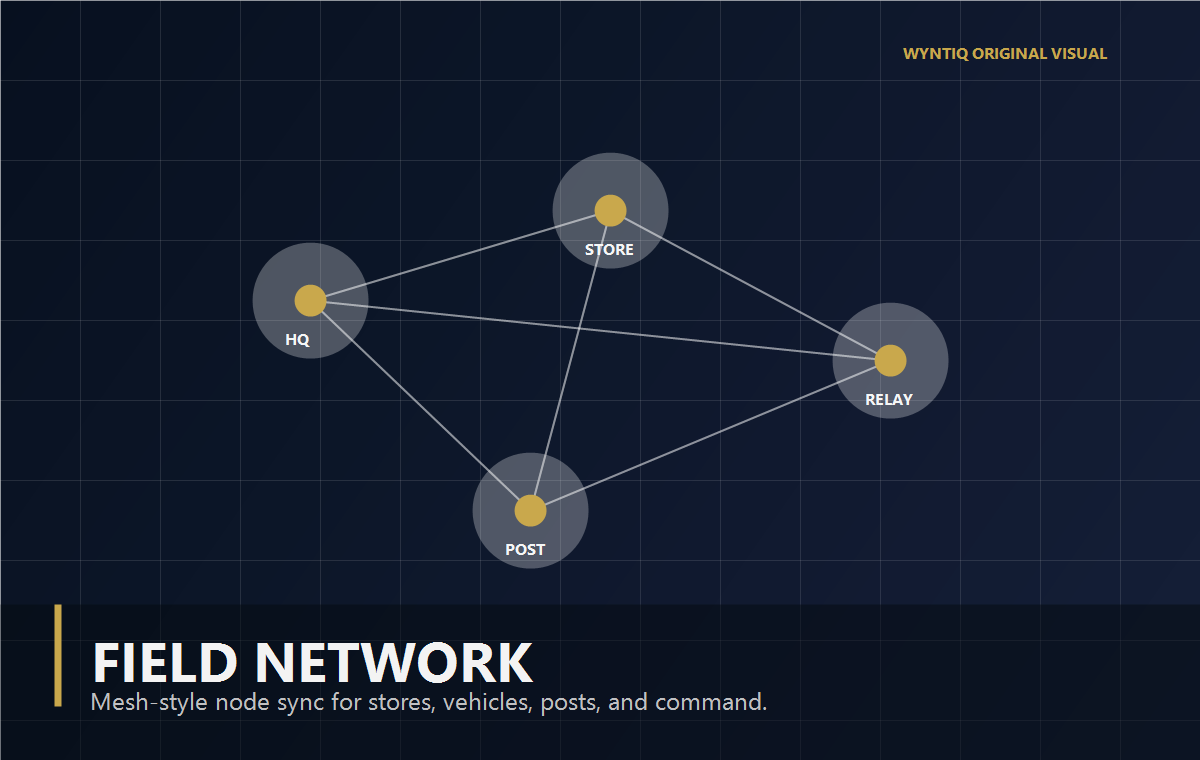
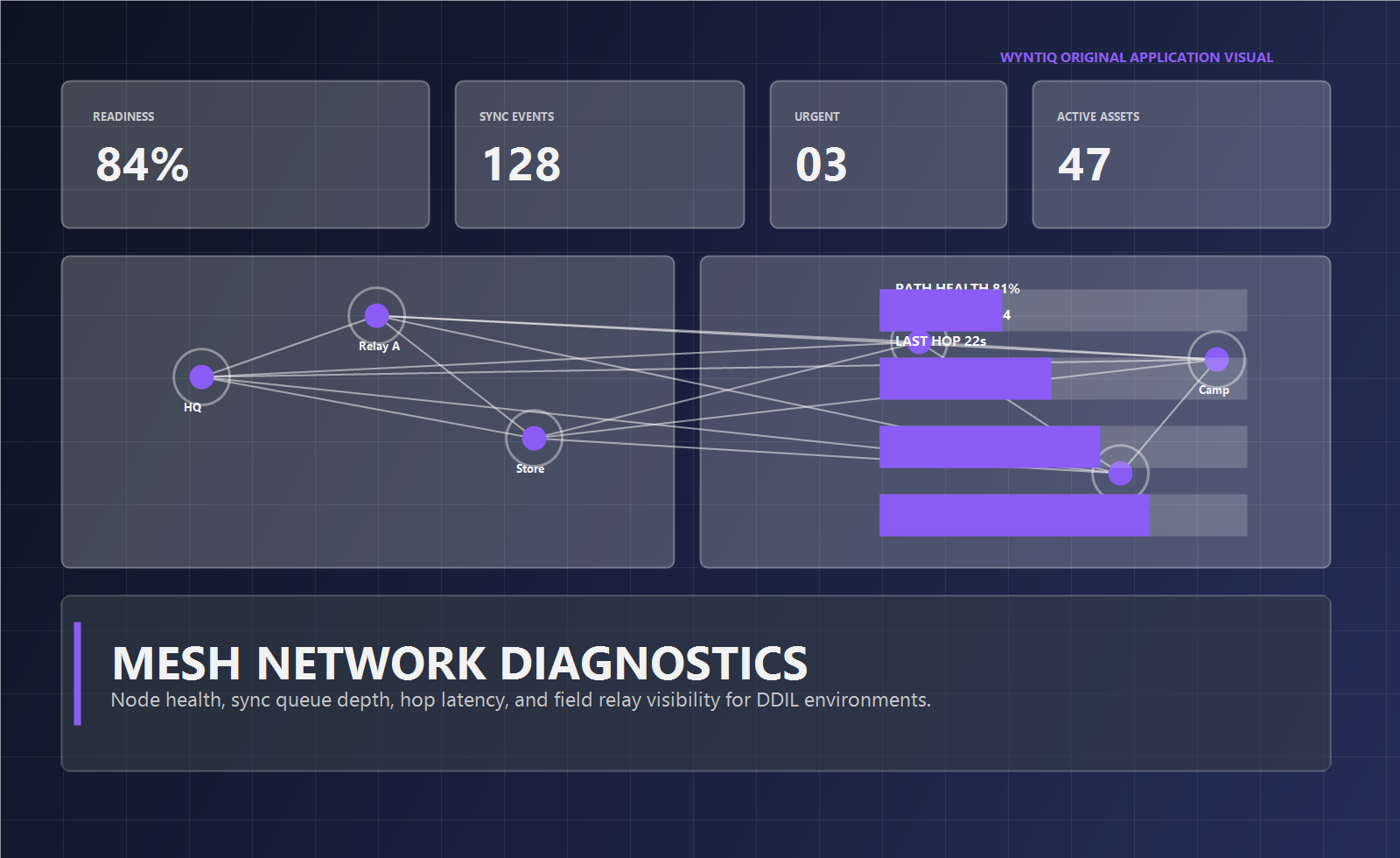
WyntIQ's sync architecture is transport-independent. Diagnostics make it visible which node is healthy, which path is delayed, and where isolated teams are accumulating unsynced events.
Prospects can request a demo, start a free trial discussion, and move into a deployment review when there is a clear operational fit.
Share your sector, team size, and operating problem so the demo can match your use case.
Walk through inventory, demands, assets, audit, readiness, and sync workflows with relevant scenarios.
Move serious buyers into a controlled trial or pilot with clear scope and evaluation goals.
Discuss devices, roles, offline operation, support, and deployment model for production use.
These pages explain the operational problems WyntIQ is built for: offline inventory, asset tracking, approval workflow, Windows desktop use, defence logistics, remote site coordination, material demand workflow, and QR tracking.
Manage stock, requests, QR tracking, and audit records without depending on internet.
Material requests, approvals, issue flow, and accountability for controlled environments.
Mining, oil and gas, disaster response, and field operations where connectivity is unreliable.
Raise, approve, issue, and audit requests through a clear role-based workflow.
Give stock, assets, tools, kits, and requests a physical identity that can be scanned.
Track vehicles, tools, kits, crates, custodians, locations, QR tags, and audit history.
Control who requests, approves, rejects, issues, and reviews inventory movement.
Use WyntIQ Desktop for local stock, requests, QR workflows, and audit trails on Windows.
Learn how local-first inventory, sync, and audit trails work in disconnected operations.
Request a focused demo or trial conversation. We will respond with the right next step for your sector and deployment environment.